Your Apple TV remote
now controls your Sonos.
The remote is already in your hand. Tone brings Sonos controls to your Apple TV, so you can leave your phone on the coffee table.

Free. No Subscription. No Ads. No Account.
Listed on the App Store as Tone Remote Control.

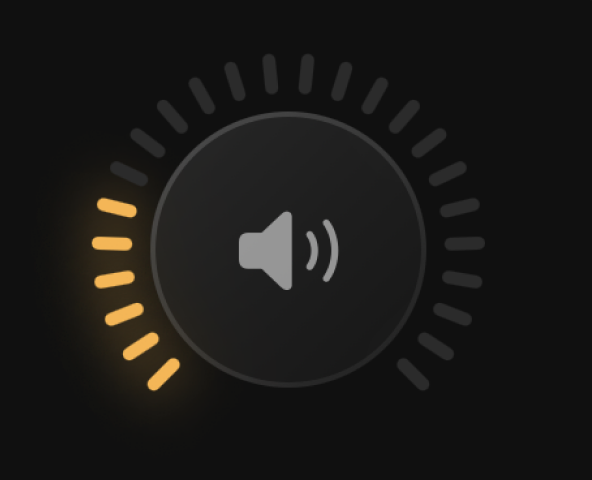
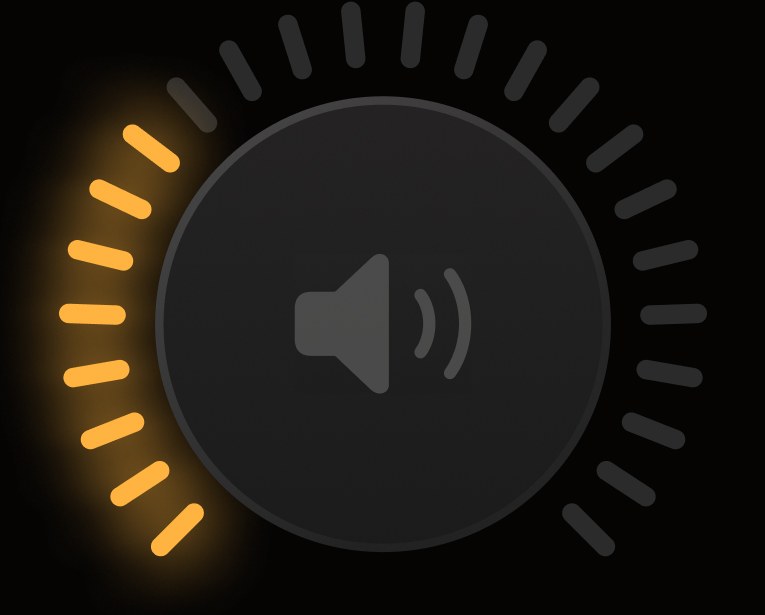
Turn it up! (or down.)
Adjust the volume of any Sonos speaker or group.

Playback made simple.
Play, pause, skip tracks, and keep the music moving.

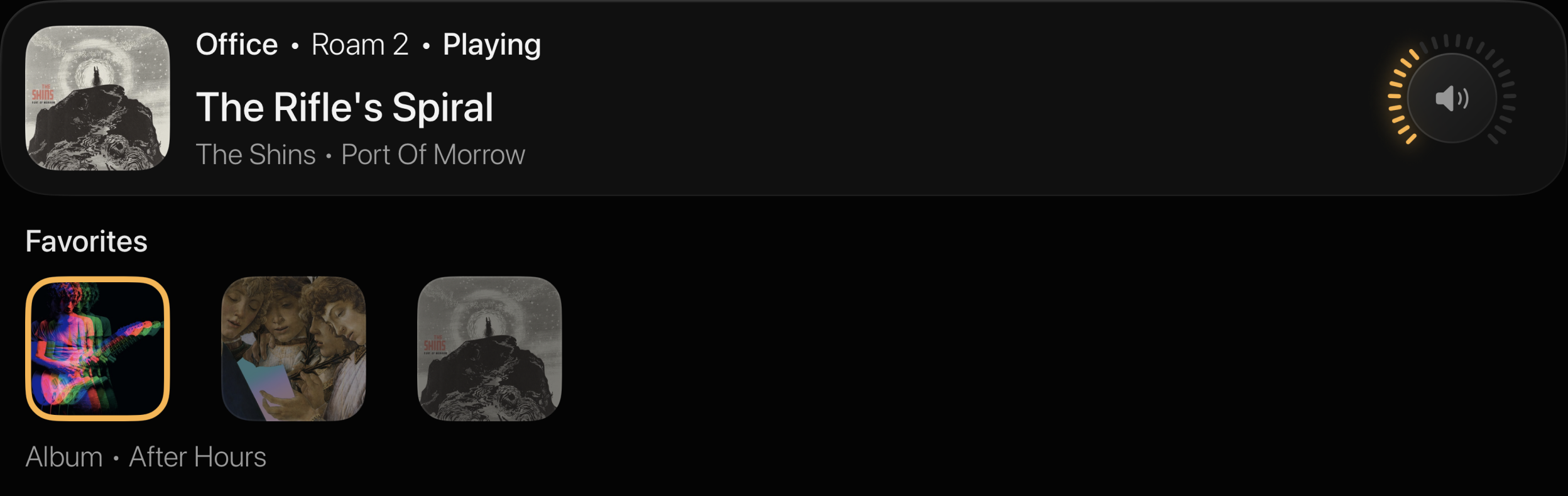
See what's playing.
Album art, track title, artist, and playback status are always visible.
Jump straight to your favorites.
Hold Play/Pause to instantly reveal your Sonos Favorites. Navigate with the remote, press Select, and your music starts.
Designed for the Siri Remote.
Every action is just one button press away.
- Up / Down
- Volume
- Select
- Mute and unmute
- Left / Right
- Previous / Next track
- Play/Pause
- Play and pause
- Hold Play/Pause
- Open your Sonos Favorites
- Back
- Return to the speaker list
Tone works with the Siri Remote without replacing its built-in TV audio controls.
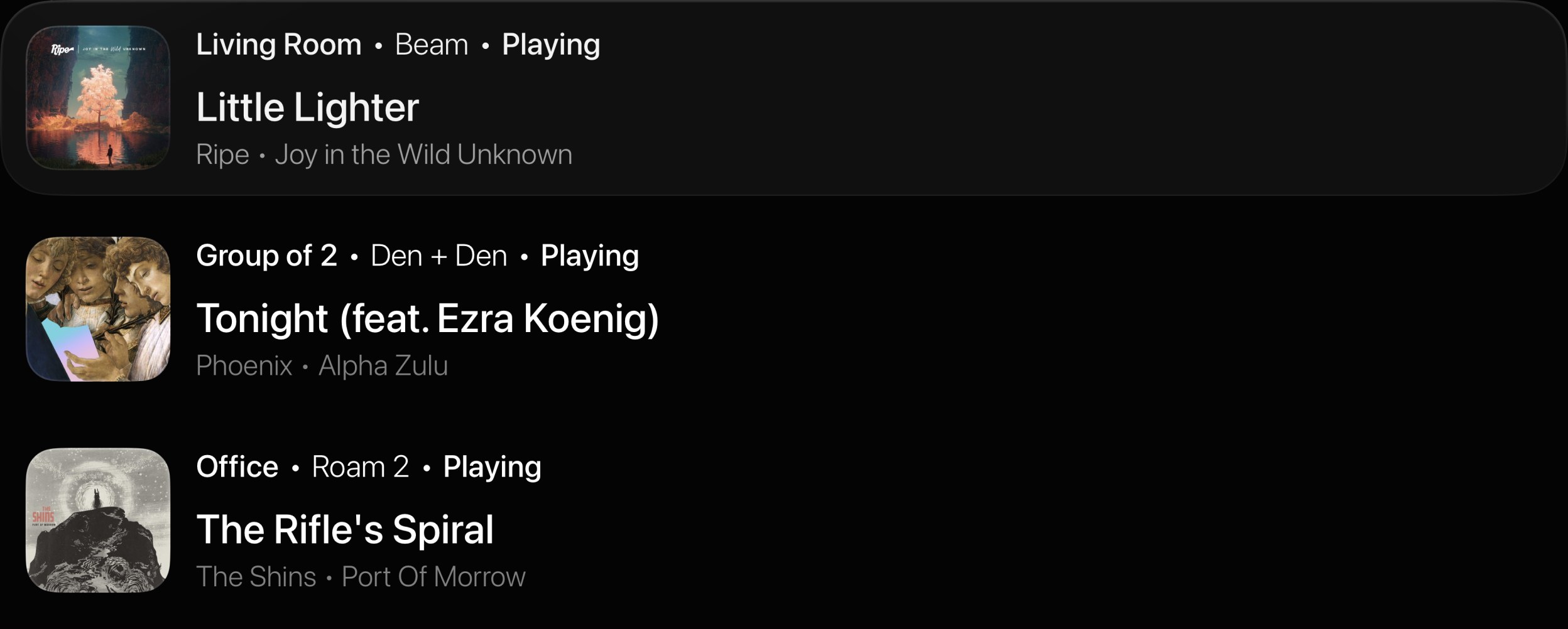
Access every room.
Quickly switch between speakers and existing groups.
Frequently asked questions.
Can I browse Apple Music or Spotify?
No. And that's the point. Tone is a remote, not a player. You start music however you already do, and Tone handles it from there. The one exception is your Sonos Favorites, which are a press away.
Do I need a Sonos account?
No. Tone talks to your speakers directly over your home network. There's no sign-in and no cloud service in between.
Does it work with grouped speakers?
Yes. Tone reads your existing groups from Sonos and treats each one as a single speaker, so volume applies to the whole group.
Which remotes work?
Any Apple TV remote. Tone uses the directional buttons, Select, Play/Pause, and Back, so it works with the current Siri Remote and older ones alike.
Does it work with a Sonos soundbar?
Sonos soundbars show up like any other speaker, including when they're playing your TV's audio. Tone has been tested against the Beam and the Ray.
Does it need to be on the same network?
Yes. Your Apple TV and your Sonos speakers need to be on the same Wi-Fi network. Tone will ask for local network access the first time you open it.